Module 4 · New Team Member Training
Business Photo & Video Training Guide
Visit local businesses and capture photos and short videos that help people in the community discover what they offer.
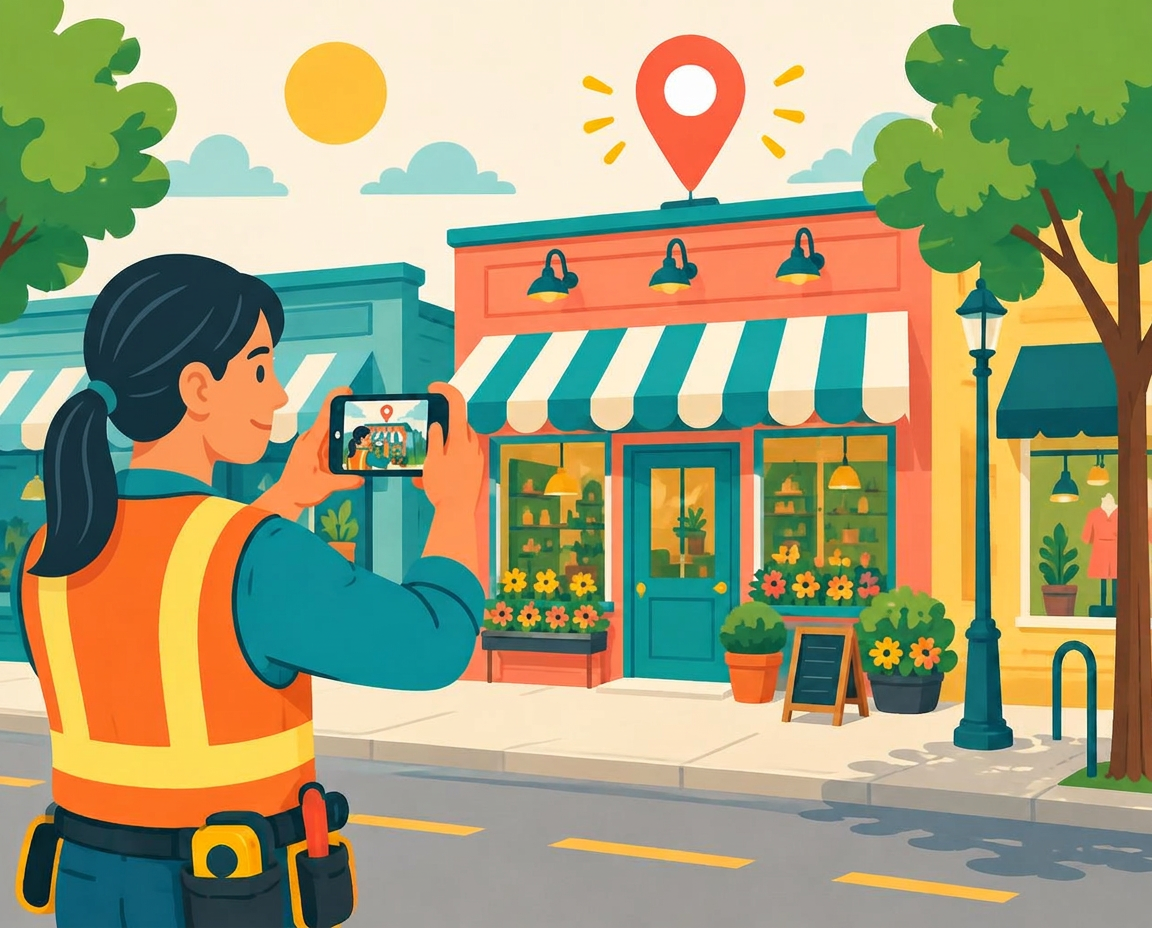
What you submit for EVERY business
= 8 items total per business
Take 1 outside photo
REQUIRED: 1 photo
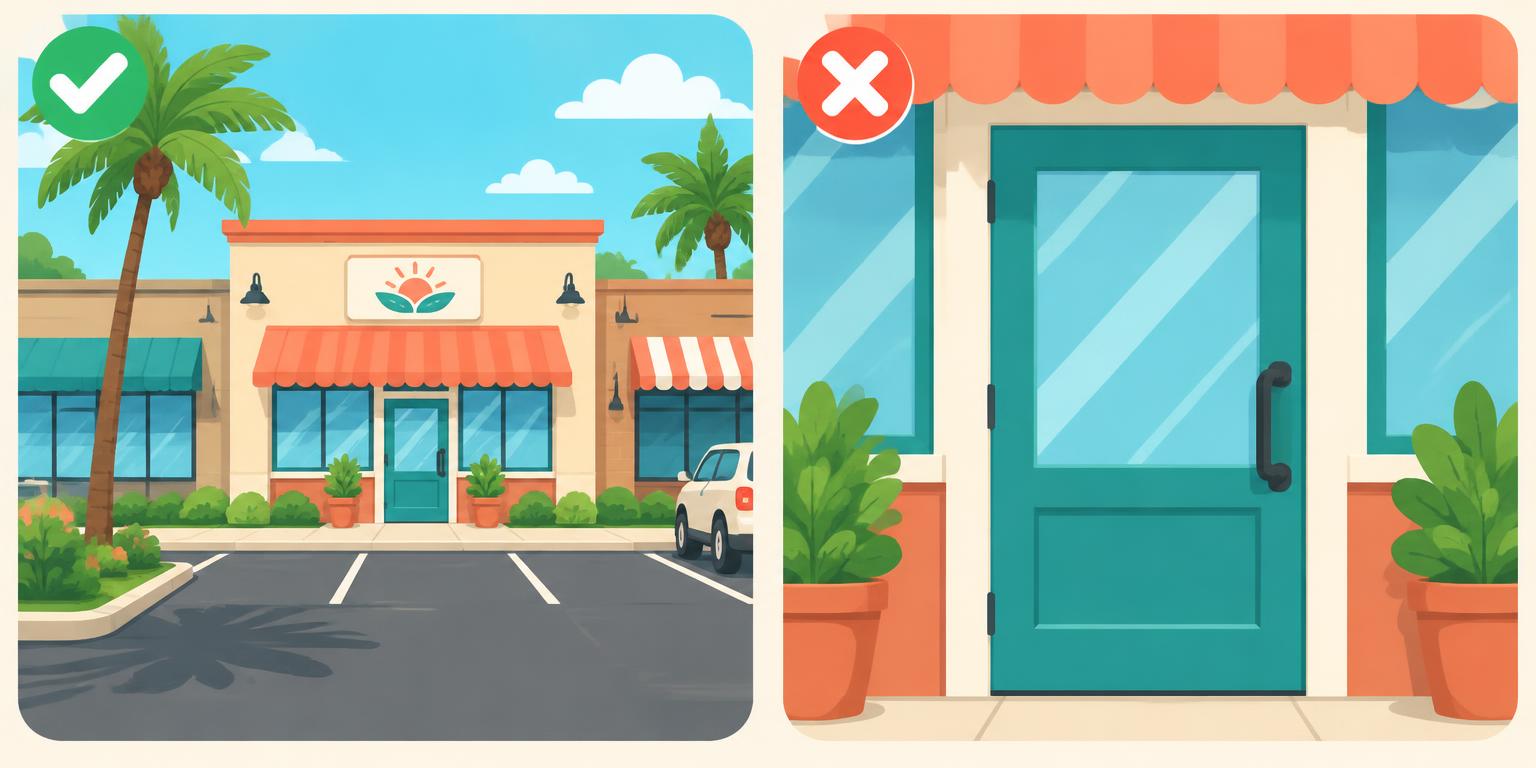
✅ GOOD PHOTO
Shows the business AND some of its surroundings.
❌ BAD PHOTO
Only a close-up of the sign or front door.
Show the surrounding area — include:
- The business sign and entrance
- A neighboring business
- Part of the shopping center
- Recognizable landscaping or surroundings
- A wider view of the building
Why this matters
We build LOCAL community websites. People should recognize the location as a business in their own community. A close-up storefront could be anywhere in the United States.
Take 4 inside photos
REQUIRED: 4 different photos
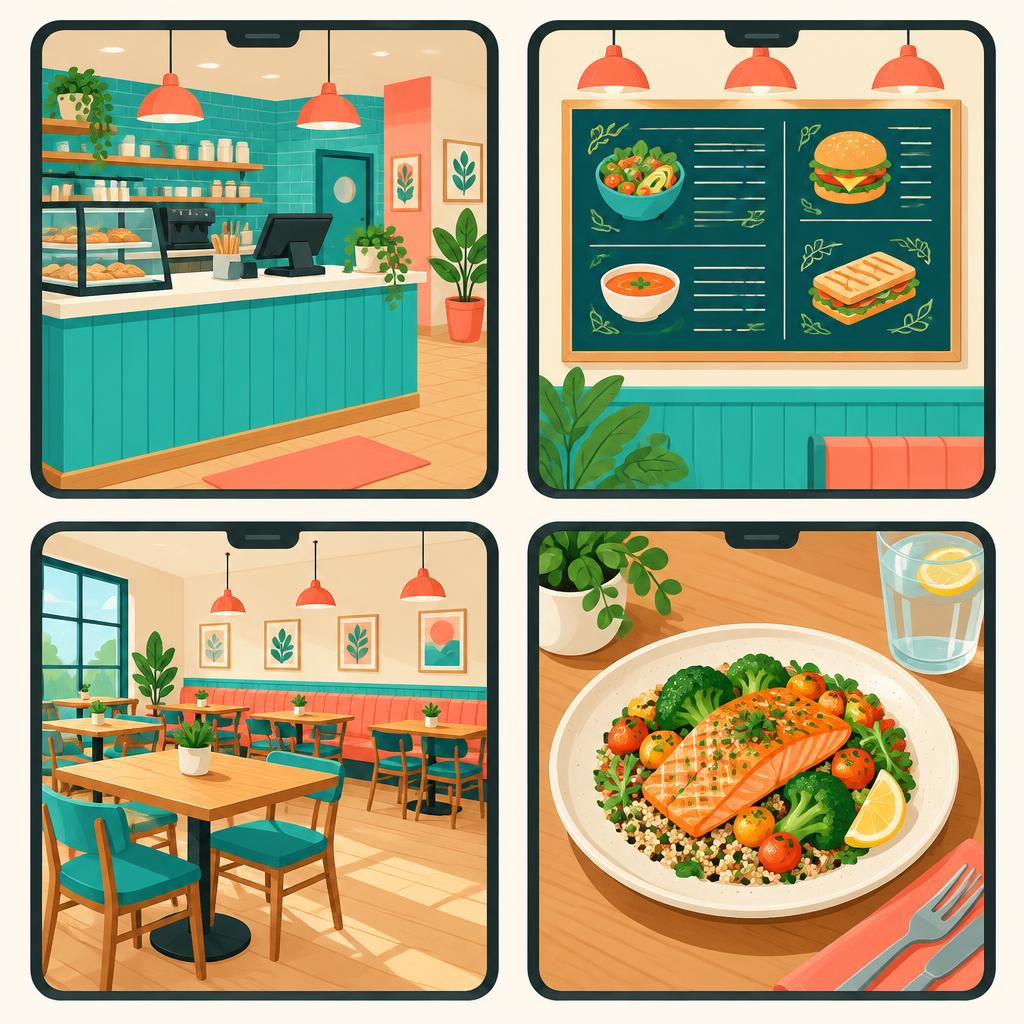
Each photo shows something DIFFERENT, so someone knows what the business looks like and offers before visiting.
🍔 Restaurant
- 1Entrance or front counter
- 2Menu or menu board
- 3Dining area
- 4Food or kitchen (if permitted)
🍦 Ice Cream Shop
- 1Front counter
- 2Flavors in the display case
- 3Menu or pricing board
- 4Seating area or interesting feature
💇 Hair Salon
- 1Reception area
- 2Styling stations
- 3Hair products or displays
- 4Interior showing the overall salon
Photo rules
- Avoid people in your photos
- NO children in any photos
- No customers or employees without permission
- No private areas, personal info or confidential items
- Don't take 4 pictures of the same thing
- Ask permission before employee-only areas
Take 2 short videos
REQUIRED: 2 videos, 2–3 seconds each

How to do a "camera pan"
INSIDE the business only — NOT outside.
- 1Hold your phone steady
- 2Move it SLOWLY across the area
- 3Record about 2–3 seconds
- 4No sudden, shaky or fast movement
🍦 Ice Cream Shop
- 1Video 1: Slowly pan across the display showing the flavors
- 2Video 2: Slowly show the counter, menu board or seating
🍔 Restaurant
- 1Video 1: Slowly show the dining area
- 2Video 2: Front counter, food display or another interesting part
Video rules
- Film inside only, 2–3 seconds each
- Move slowly and smoothly
- Well-lit and clearly visible
- No customers, never children
- No private info or restricted areas
💡 TIP: A simple, steady video is better than one with too much movement.
Screenshot the business on Google
REQUIRED: 1 screenshot

Search the business on Google and capture:
- Business name
- Address
- Phone number
- Business category
- Website (if available)
Make sure it's the correct business AND location.
Why: it helps our team identify the right business and add accurate info to our local websites.
Photos & videos you must NEVER take

- Alcohol or alcoholic beverages
- Cigarettes, tobacco, vaping or smoking accessories
- Adult-only products or displays
- Children
- Private customer or employee information
- Security-sensitive or restricted areas
If a business mainly features prohibited products, contact your supervisor before proceeding.
Special: banks & financial institutions

BEFORE any photos or videos:
- 1Enter the bank and introduce yourself
- 2Give an employee or manager the informational flyer
- 3Explain why you are visiting
- 4Ask if photos or video are allowed
- 5Only proceed WITH permission
Never photograph or record:
Customers, transactions, computer screens, financial documents, security equipment or other sensitive areas.
If the bank says no, respect it and notify your supervisor. Never film secretly.
Check your quality before leaving
📸 Photos
- Clear, not blurry
- Phone held level and straight
- Bright enough to see clearly
- Business is the main focus
- Each photo shows something different
- No prohibited items or children
🎥 Videos
- Both are 2–3 seconds
- Filmed inside
- Slow, smooth movement
- Clear and steady
- No prohibited items or children
If something doesn't look right, retake it before leaving!
Final submission checklist
Complete this for EVERY business. Tap each item as you go.
Photos
Videos
Business information
Final quality check
Remember these 5 things
Think local
Show enough outside so residents recognize the spot.
Show variety
Every inside photo shows something different.
Keep videos short
Two videos, 2–3 seconds, inside.
Quality matters
Clear, level, well-lit, smooth.
Double-check
Have all 8 items before leaving.
Our goal
Help residents discover businesses in their own communities through real photos and videos taken by our local team.
Take your time, follow the steps, and make every business look its best.